Container 03: A Mount Namespace and pivot_root
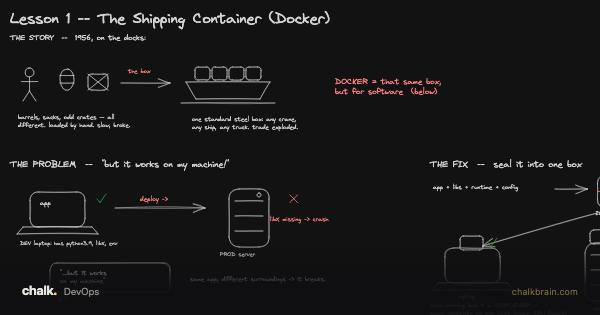
The sealed box and what is packed inside it. This stage builds the packing: a folder of Alpine Linux that the program is told is the whole world.
Before you start. Container 02: UTS and PID Namespaces gave the box its own hostname and its own process numbers. This stage gives it its own files. A file system here means the tree of folders that starts at /, called the root. A mount is one file system attached at one place in that tree, and the list of all mounts is what mount prints. If mounts are new, Linux and the Shell: Processes, Files, Pipes, Permissions and Signals covers the shell side; the idea is that a disk, a USB stick and a network share are each attached (“mounted”) at some folder. You also need the Alpine folder from Build Your Own Container Runtime, unpacked at /tmp/rootfs.