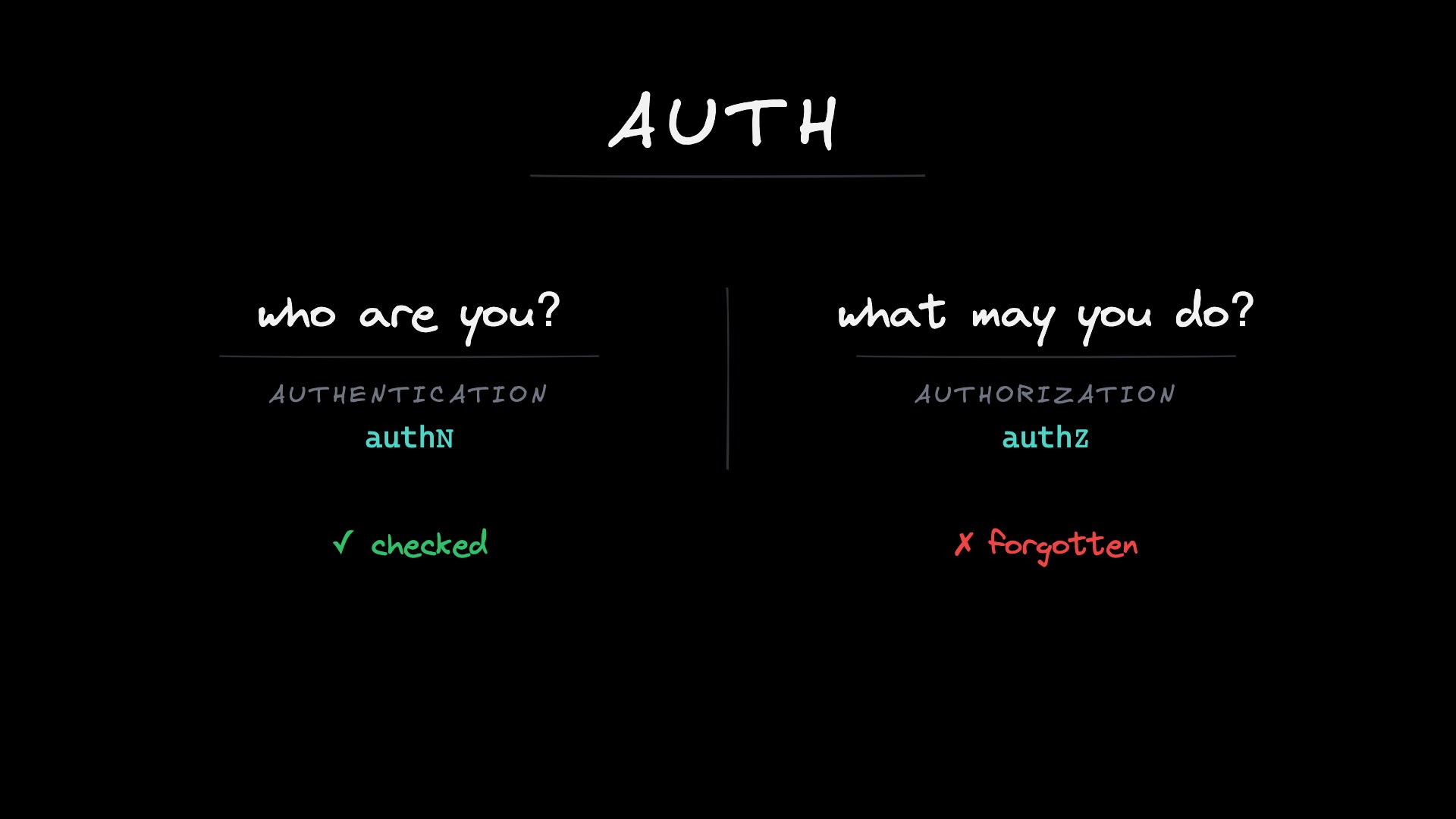
The badge you cannot take back (the session lifecycle)
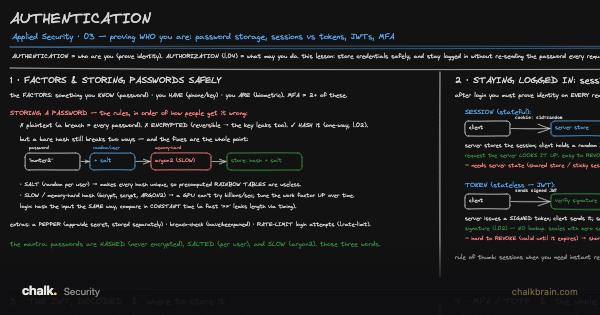
One real login drawn end to end: how the password is checked, and how the browser stays logged in afterwards without sending it again. That second half is a pass the browser carries. This lesson is about everything that happens to the pass after it is handed out: how long it lives, how it is renewed, and how you take it back.
Before you start. Authentication gave you two ways to remember that someone already logged in. A session is a logbook entry kept at the front desk, and the browser carries only a random number pointing at it; crossing out the entry ends the login at once. A token is a badge stamped with the user and an expiry date in ink only the server can make; any door can check it without calling the desk, so crossing anything out does nothing until the date on it passes. Whose page is this? (the browser security model) showed the cookie flags that keep a browser from handing the pass to the wrong page. This lesson starts where both leave off: the pass has been copied.